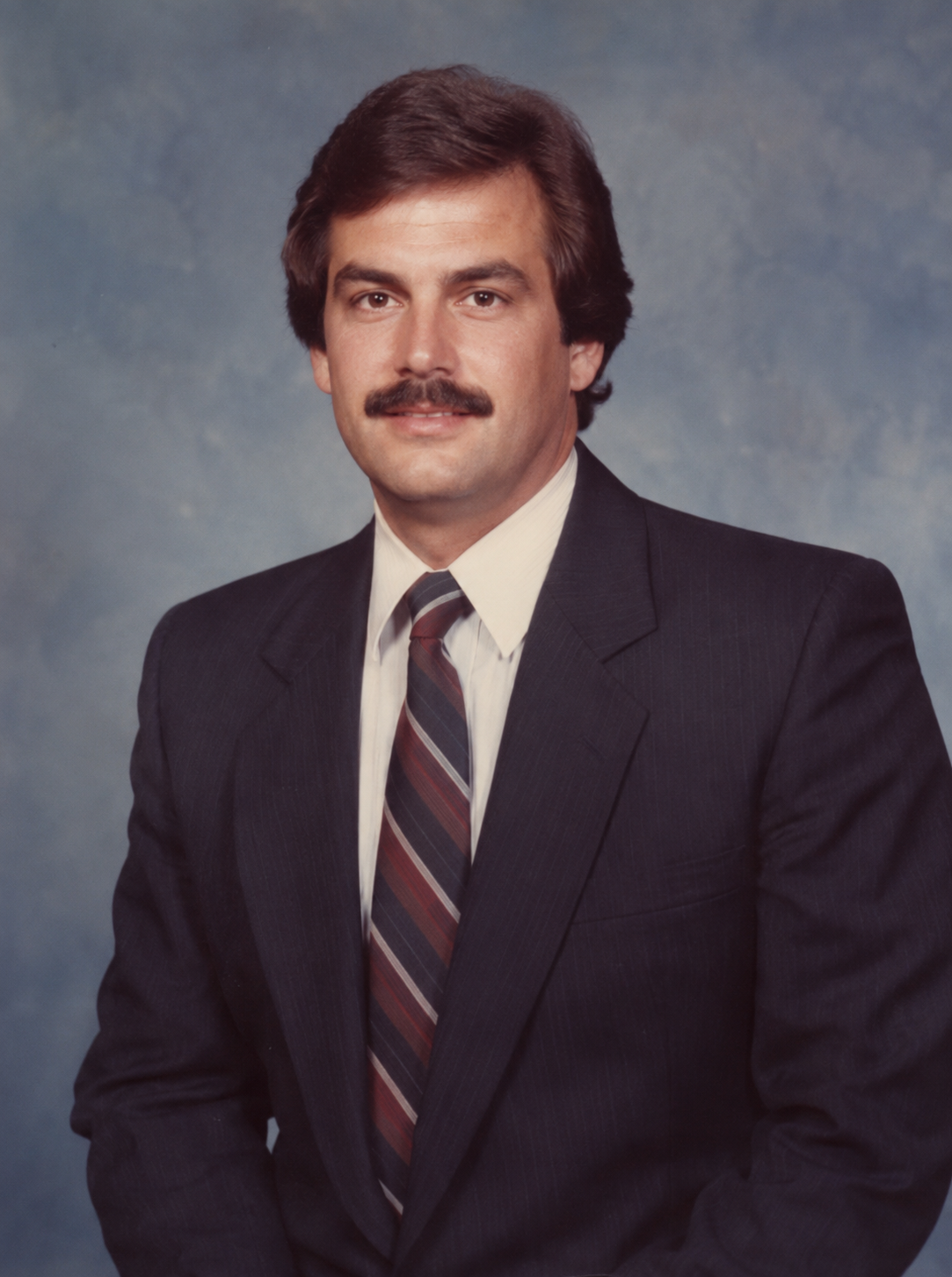
 1981
1981traveleverydayBaseline preview
1980s Beach Vacation Snapshot
A sunlit 1981 family vacation photograph with pastel swimwear and analog color.
ARCADE & GAMING COLLECTION
CRT glow, arcade cabinets, and colorful after-school memories. Copy any complete prompt below and tune the subject to your own reference image.
1981A sunlit 1981 family vacation photograph with pastel swimwear and analog color.
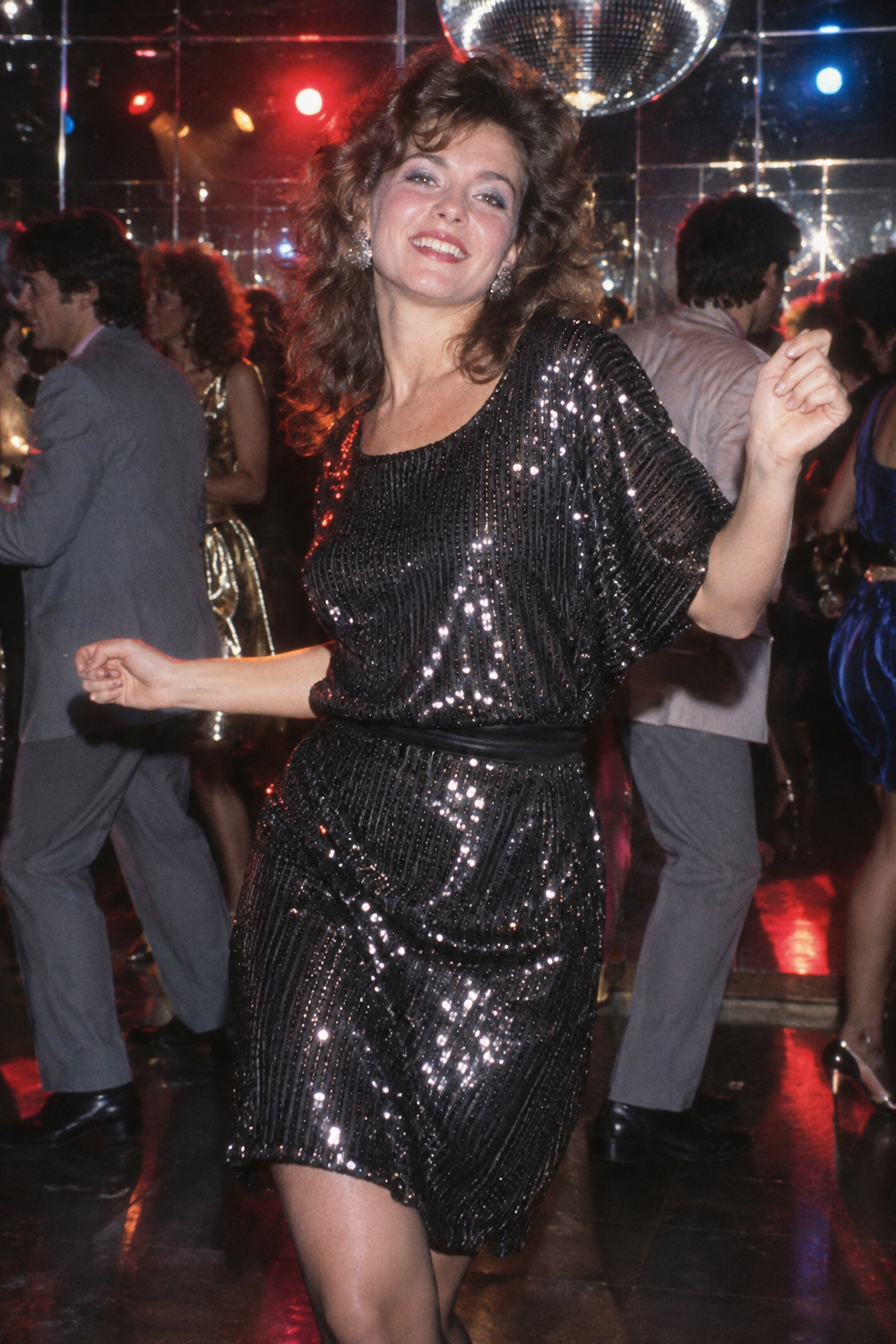 1984
1984A lively 1984 dance-floor portrait with colored club lights and on-camera flash.
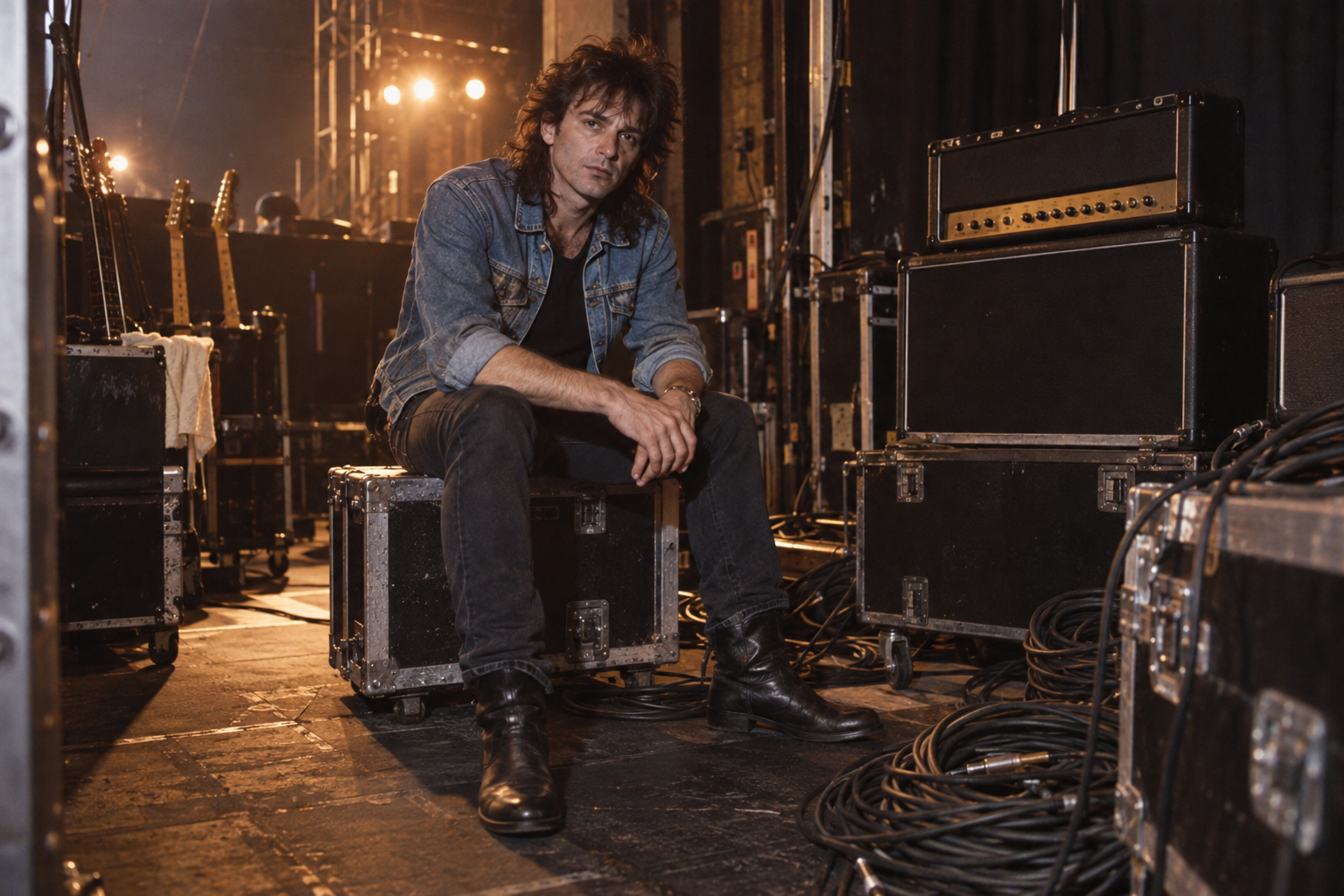 1986
1986A documentary backstage portrait with denim, stage cables, and warm tungsten light.
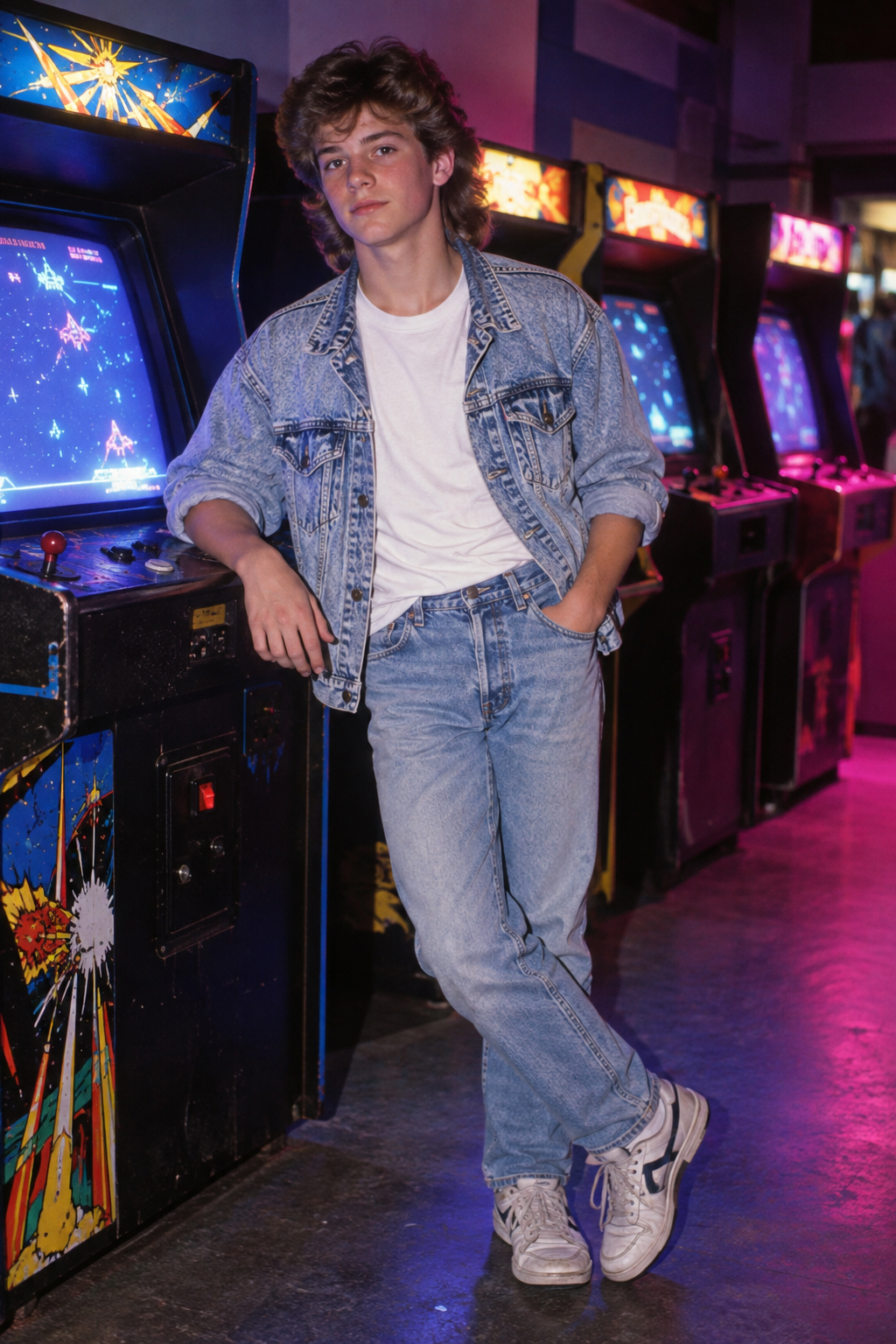 1987
1987A colorful 1987 arcade snapshot with CRT glow and direct flash.
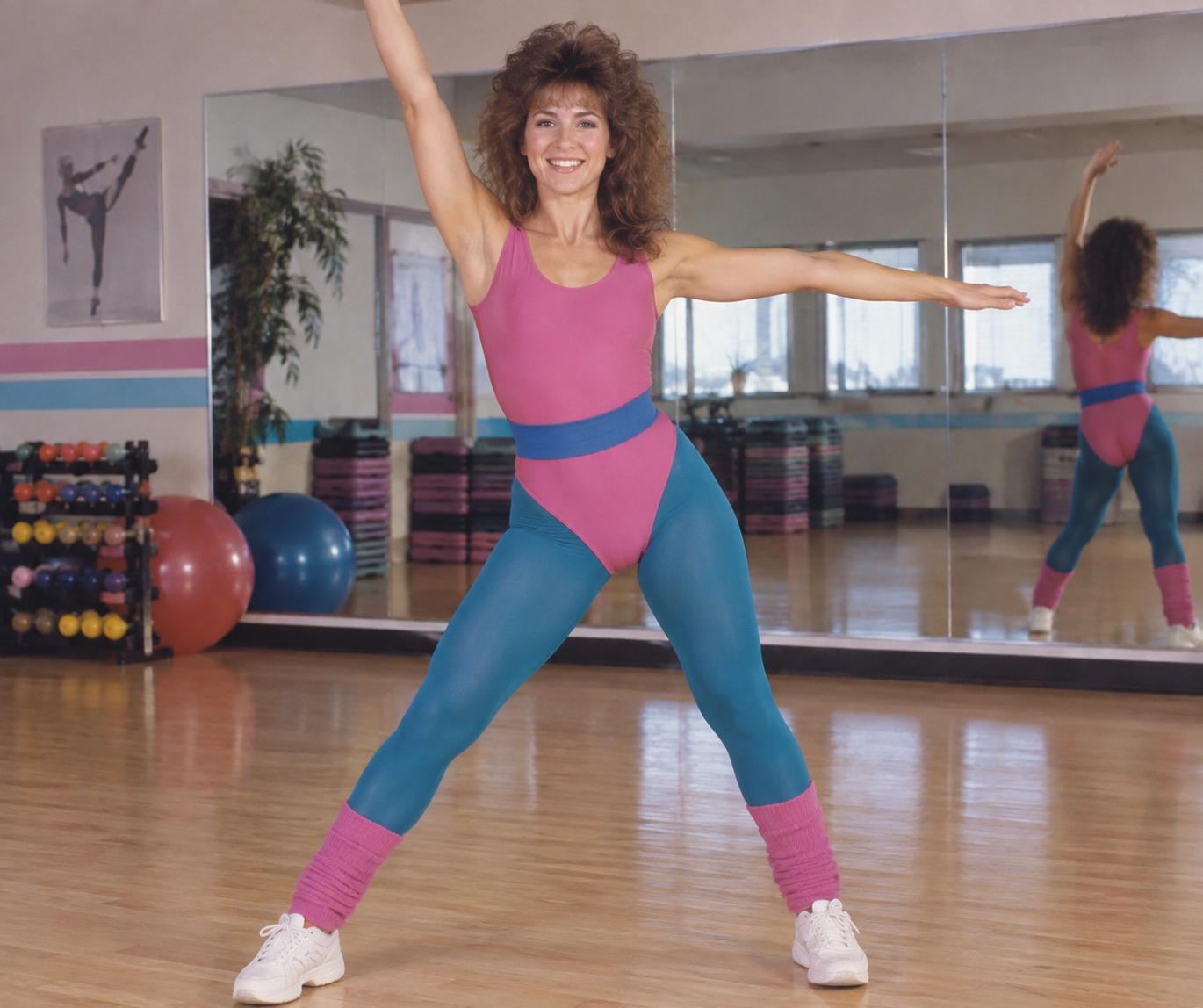 1985
1985An energetic 1985 aerobics portrait with colorful activewear and bright studio light.
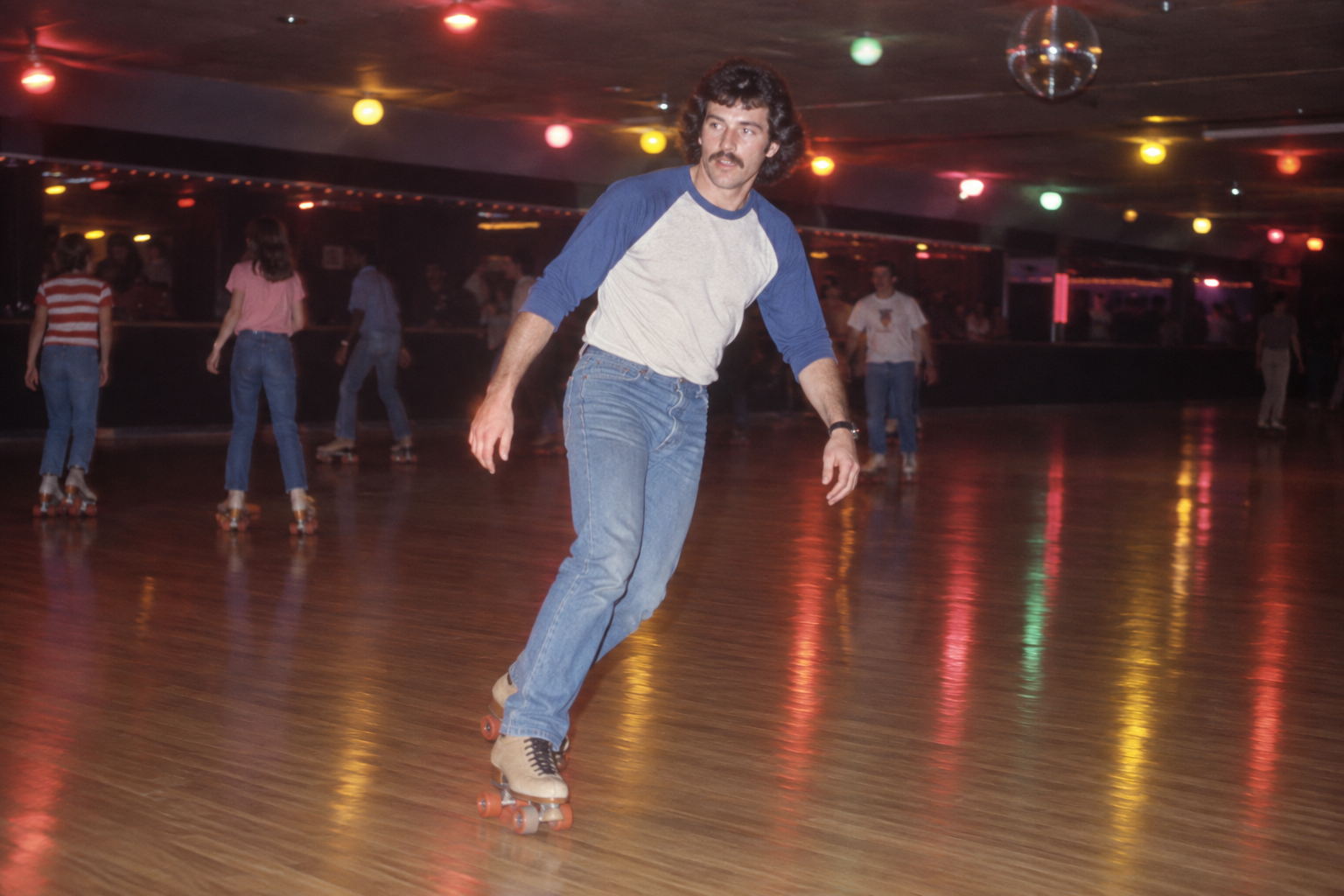 1983
1983A candid 1983 roller-rink photograph with polished floor reflections and flash.
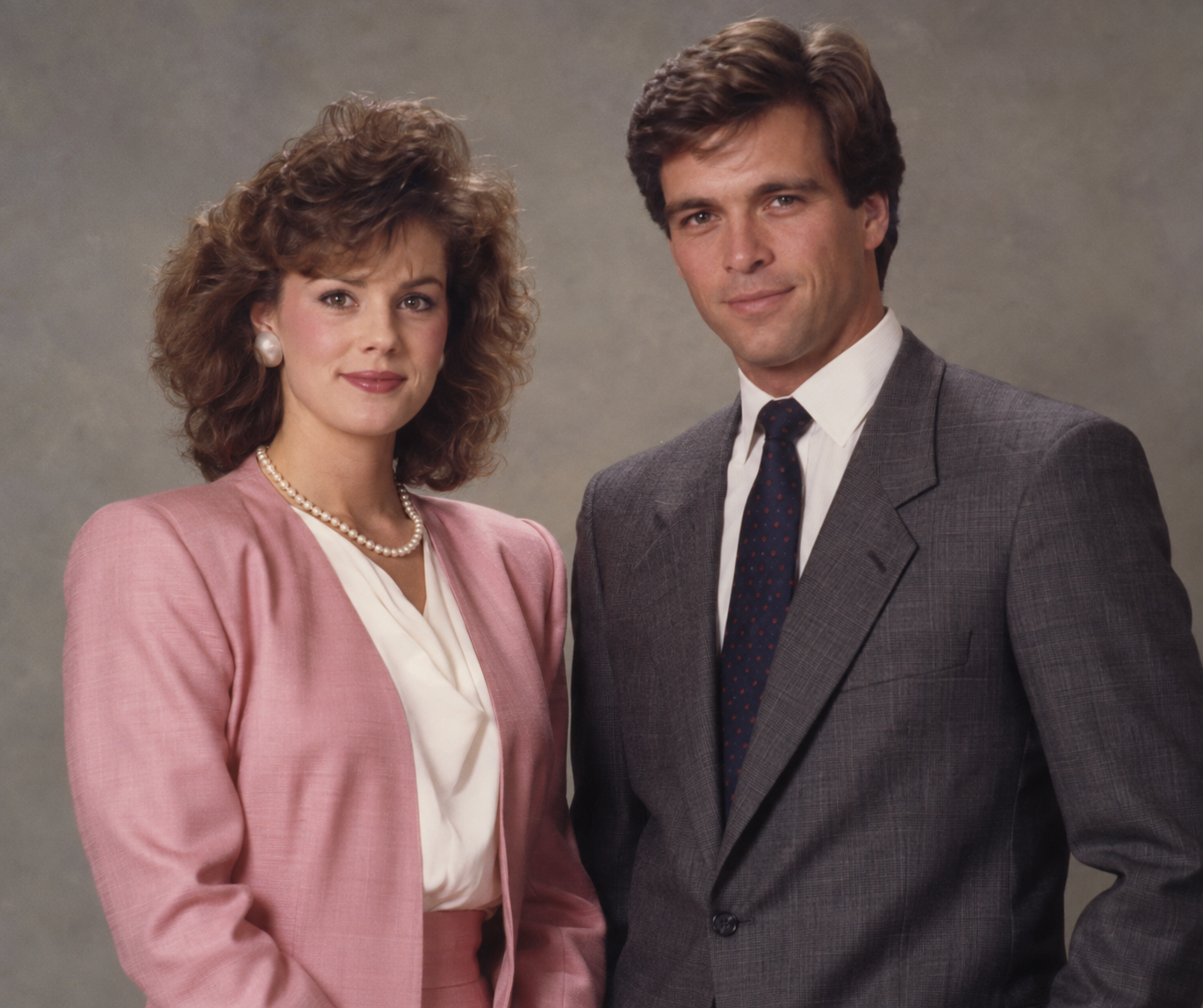 1985
1985A formal two-person studio portrait with period tailoring and balanced flash.
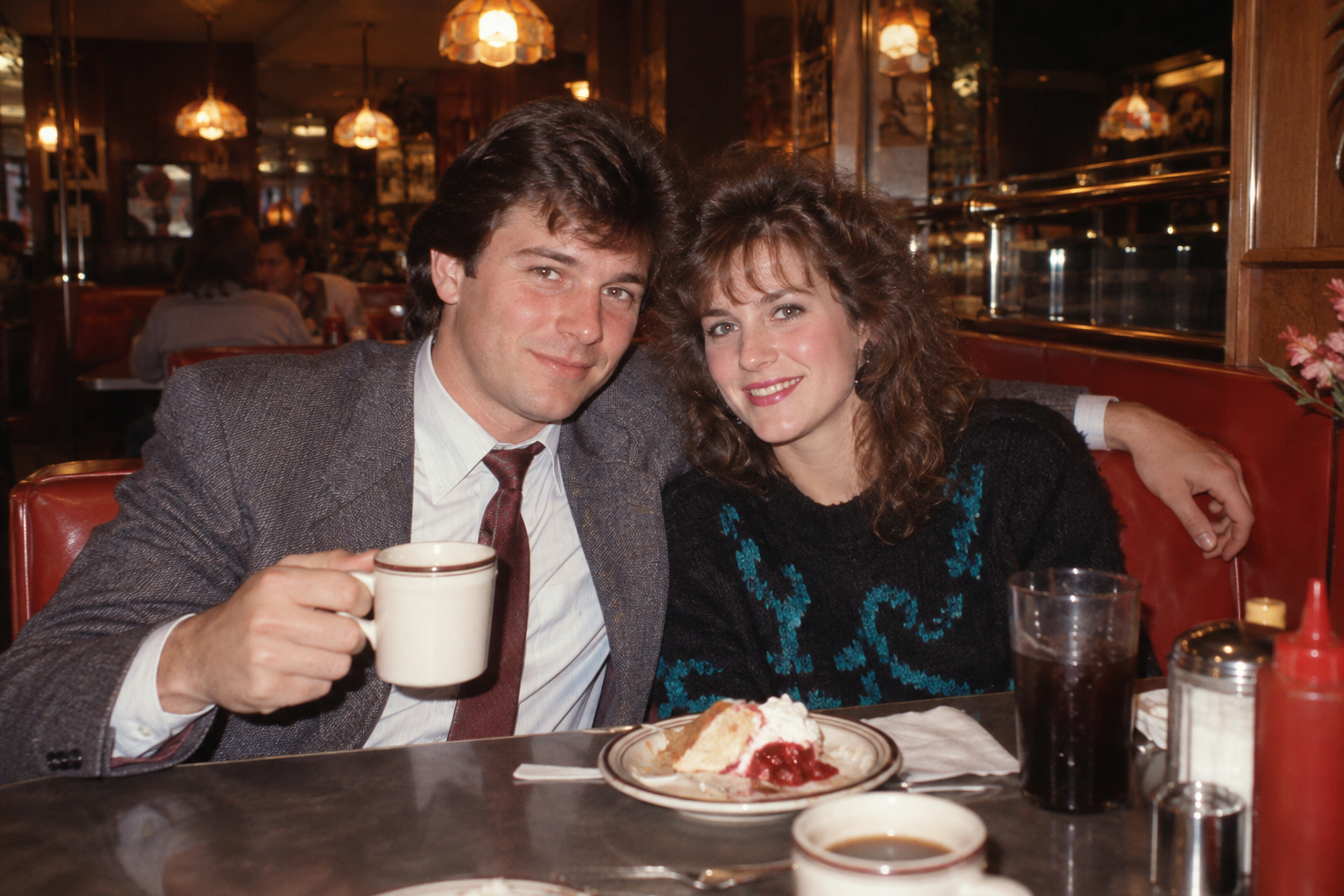 1988
1988A candid 1988 date-night photograph with a booth, flash, and consumer film texture.
An arcade photograph needs the contrast between a dim room, a bright screen, and a subject caught in the moment. Use generic CRT cabinets, reflected glow, carpet, stools, or a change machine to establish the setting without relying on a real brand. The camera should still behave like a consumer camera: direct flash, visible grain, and a little falloff.
Choose one screen color and one neutral light so the face remains readable. Ask for no readable cabinet names or modern consoles. A three-quarter portrait beside a cabinet gives the model room for hands and controls; a tighter crop can focus on the expression while keeping the CRT glow at the edge.
Start with one cabinet and one subject so the model has a clear focal point. The arcade portrait is useful for a close face and CRT glow; a wider snapshot can include the carpet, stool, or change machine. Keep game artwork generic unless you have permission for a specific title. After the first pass, adjust the screen color or flash intensity, then check that hands and controls remain plausible.
Start with a simple pose and one person. Keep the identity lock close to the reference instruction, then add the arcade environment. If the screen becomes a futuristic hologram, say “1980s CRT arcade cabinet” and remove LED panels. If the face is too dark, add a modest flash rather than making every light neon.
The decade can drift toward a modern esports room. The fix is a period object, analog camera behavior, and a clear year. Too many cabinets also create broken text and extra hands, so use a single hero cabinet and a soft background.
Use generic game imagery when you do not have a license for a title or logo. Obtain permission for recognizable faces and disclose AI assistance. A nostalgic setting should not be used to fabricate a real person's attendance at a venue or event.
For a useful comparison, save the exact prompt, reference description, model name, aspect ratio, and one sentence about the result. Check the year, subject count, identity, lighting direction, and crop before changing the color or mood. If something fails, copy the original output and apply one correction prompt. This record tells you whether a problem came from the reference, the composition, or a model-specific interpretation. It also makes the page’s guidance practical: you can return to the same category later and know which period details held up across attempts.
CRT glow, arcade cabinets, and colorful after-school memories. The prompts call out concrete camera, color, lighting, and styling choices so your output stays rooted in the 1980s.
Use a well-lit reference, preserve the identity sentence, and make one visual change at a time. Visit the 80s photo prompt home page for other directions.